
Teacher’s Toolbox
A music teacher's phone fills up fast: a tuner, two metronomes, a PDF reader, a calendar, a payments app and whatever the last parent asked you to install. Half of them do the same job twice, and during the lesson most of them aren't needed at all: MOOZ has the metronome, backing tracks with tempo and key, a piano and the score you both mark up inside the call. What you actually need is one tool for each part of the week: the lesson, the music on the stand, the student's practice at home and the admin that gets you paid.
This guide goes through them in that order, with prices checked in November 2026. The lesson app gets the most space. It's the one you and the student use at the same moment, and the only one where a bad choice can be heard.
🎻🎧 Teaching online? Run the lesson in a room built for music: full-range sound, up to five cameras, Sync Mode, and a metronome and piano inside the call. Get your personal MOOZ setup → Your students join free.
What you need, and why
Every app below earns its place by doing one of these jobs. If two apps on your phone do the same one, delete one of them.
| What you need | Why it matters | Our pick | What it costs |
|---|---|---|---|
| A room for the lesson | Meeting apps trim the sound and can't give you a shared click, so you teach tone through a filter built for speech | MOOZ | Teacher subscription, check the current price. Free for students |
| Sheet music you can carry and mark up | You reuse the same pieces every term and mark them every week | In the lesson, MOOZ: the score on both screens, marked up together and saved. Your library on an iPad: forScore. Writing music: MuseScore Studio | Included in MOOZ; forScore $24.99 once; MuseScore free |
| A tuner and metronome at home | A week of practising out of tune or out of time is a week you spend undoing | In the lesson, the metronome built into MOOZ. At home, TonalEnergy | Included in MOOZ; TonalEnergy $6.99 on iPhone and iPad, $5.99 on Android |
| Slower, play-along practice | Students give up on pieces they can only hear at full speed | In the lesson, the MOOZ player slows the track and changes its key. At home, Moises | Included in MOOZ; Moises free plan, paid Premium |
| Theory, ear and reading drills | Ten minutes of drills a day stops reading from holding back the repertoire | musictheory.net and Tenuto, Sight Reading Factory | Free and $4.99; from $45 a year |
| Homework and a practice log | You find out what happened at home before the lesson, not halfway through it | Practice Space or Vivid Practice | From $15.99 a month; free for one student |
| Scheduling, invoices and payments | Unbilled lessons and forgotten makeups are where a studio loses money | My Music Staff or Duet | $16.95 a month; $9 a month |
Lessons: MOOZ, a room built for music
Zoom, Google Meet and Teams are built for meetings. They clean up speech by trimming the highs and lows, and their noise suppression hears a held note as background and cuts off its tail. That's fine for a theory chat. It isn't fine when the lesson is about tone, vibrato or a quiet ending.
MOOZ is a video room made for music lessons. Here's what that changes in an ordinary 45-minute lesson.
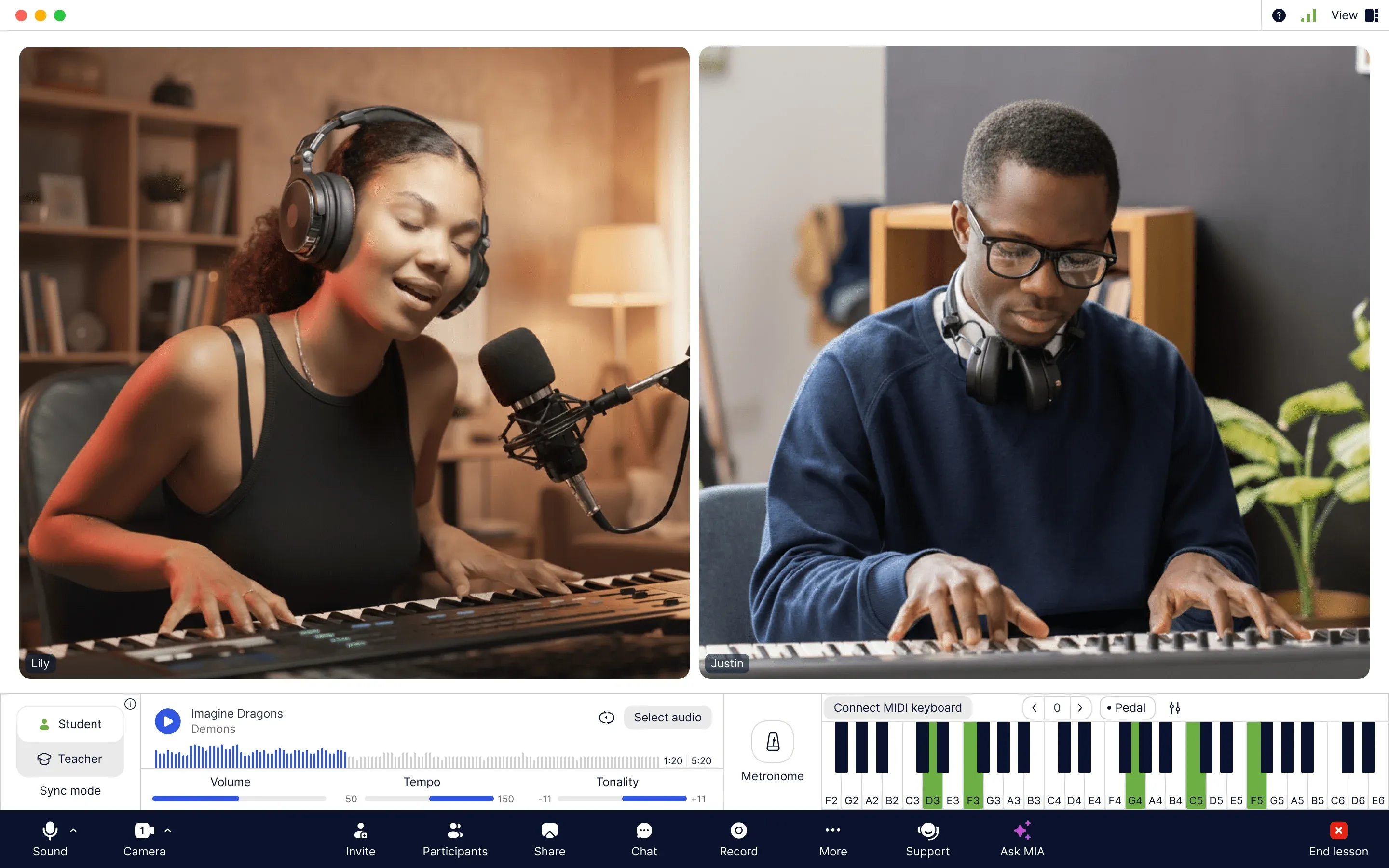
One window for the whole lesson: both cameras, Sync Mode, the backing track with tempo and key, the metronome and a piano that lights up the keys either of you plays
Sound that keeps the instrument
MOOZ carries the full frequency range of an instrument or a voice instead of squeezing it into a speech band, so a violin's overtones and a singer's soft onset reach the other side. Use headphones on both ends. That one habit does more for a lesson than any setting.
Up to five cameras
Add up to five cameras in the desktop app and switch between them without OBS or any other extra program: one on your face while you explain, one on the keys, the fretboard, the bow arm or the pedals. A phone works as a second camera. On a Mac, an iPhone signed in to the same Apple ID usually shows up in the camera list by itself. On Windows or with Android, a helper app such as Camo or EpocCam does the job.
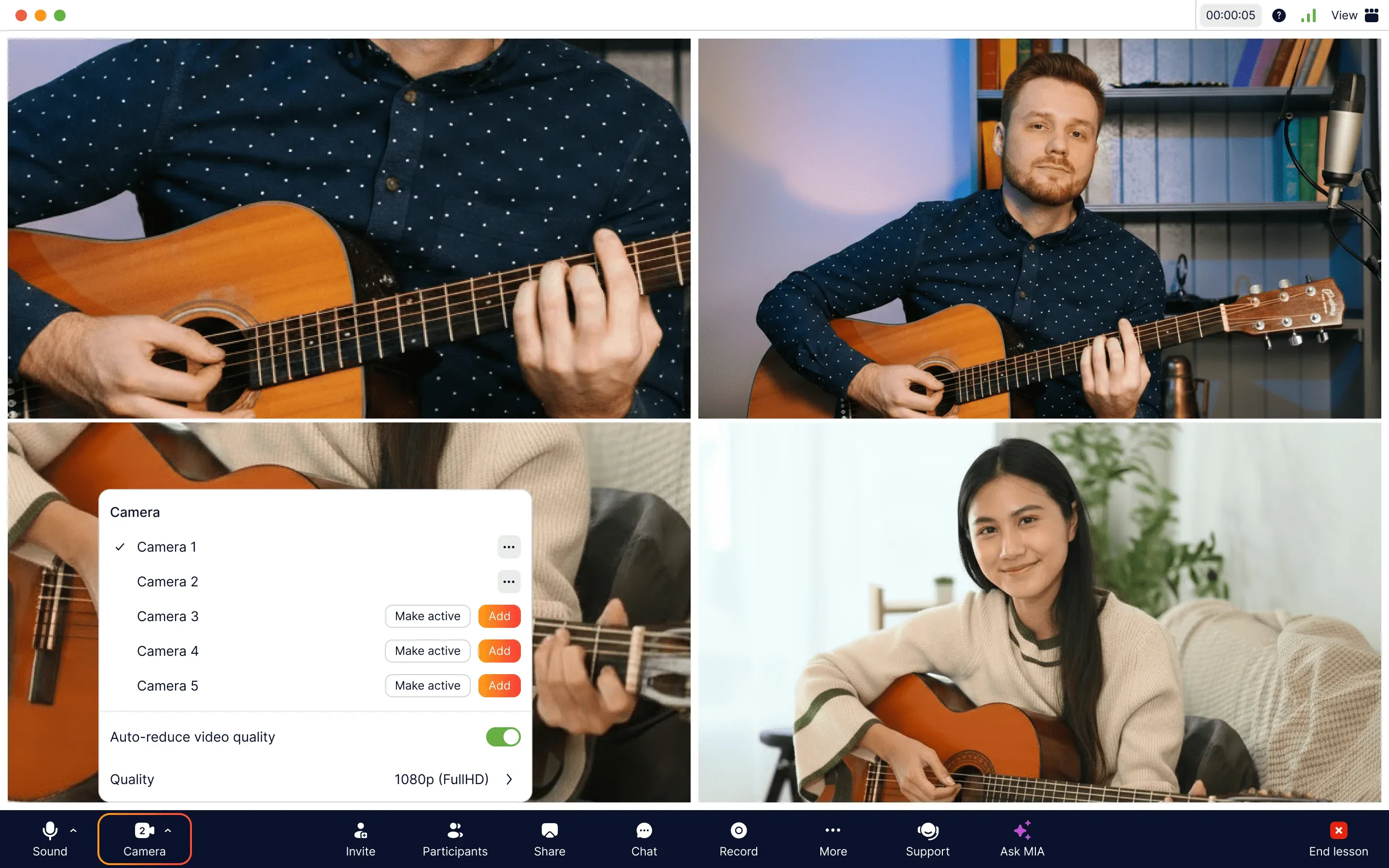
Pick which of up to five cameras is live: the student sees your hands without you leaning into the laptop
Sync Mode: one click for both of you
No video app removes internet delay, and a live duet over home broadband falls apart. Sync Mode works around it. You pick the reference, whether that's the metronome, a backing track or the built-in piano, and choose whose sound is locked to it. In Student mode you hear the student already in time with the track. In Teacher mode the student hears you in time with it, which is how you demonstrate a passage with the accompaniment. Each of you calibrates the microphone once per device, in a quiet room, and after that it's one switch. We explain the mechanics in synchronization in online music lessons.
Metronome, backing tracks, tempo and key
The metronome sits in the lesson window, with beats per bar and tempo you can change while it ticks. The audio player takes your backing tracks and lets you slow a track down or move its key without stopping it, so a passage can run at 70% and come back up as it settles. Both of you can work the controls, and Kids Mode takes them away from a younger student who can't resist the buttons.

Lower the key for a singer or slow the track down for a tricky bar, without stopping the music
A piano for every teacher
There's an on-screen piano in every lesson, with grand piano, electric piano, organ and strings sounds and optional note names on the keys. Keys light up for both of you as they're played, so a student can see which notes you mean. Piano teachers can plug a MIDI keyboard into the computer by cable. Guitar and voice teachers can use it to give a starting pitch or play a chord under a melody.
Sheet music you can mark up together
Share a PDF or an image of the score and draw on it during the lesson: pencil, text, colours, zoom, undo. You can hide the student's cursor when it gets in the way. At the end, save the marked-up page and send it home, so the student practises from the page with your circles on it, not from a clean copy. If you write in MuseScore or Finale, share that window with sound instead.
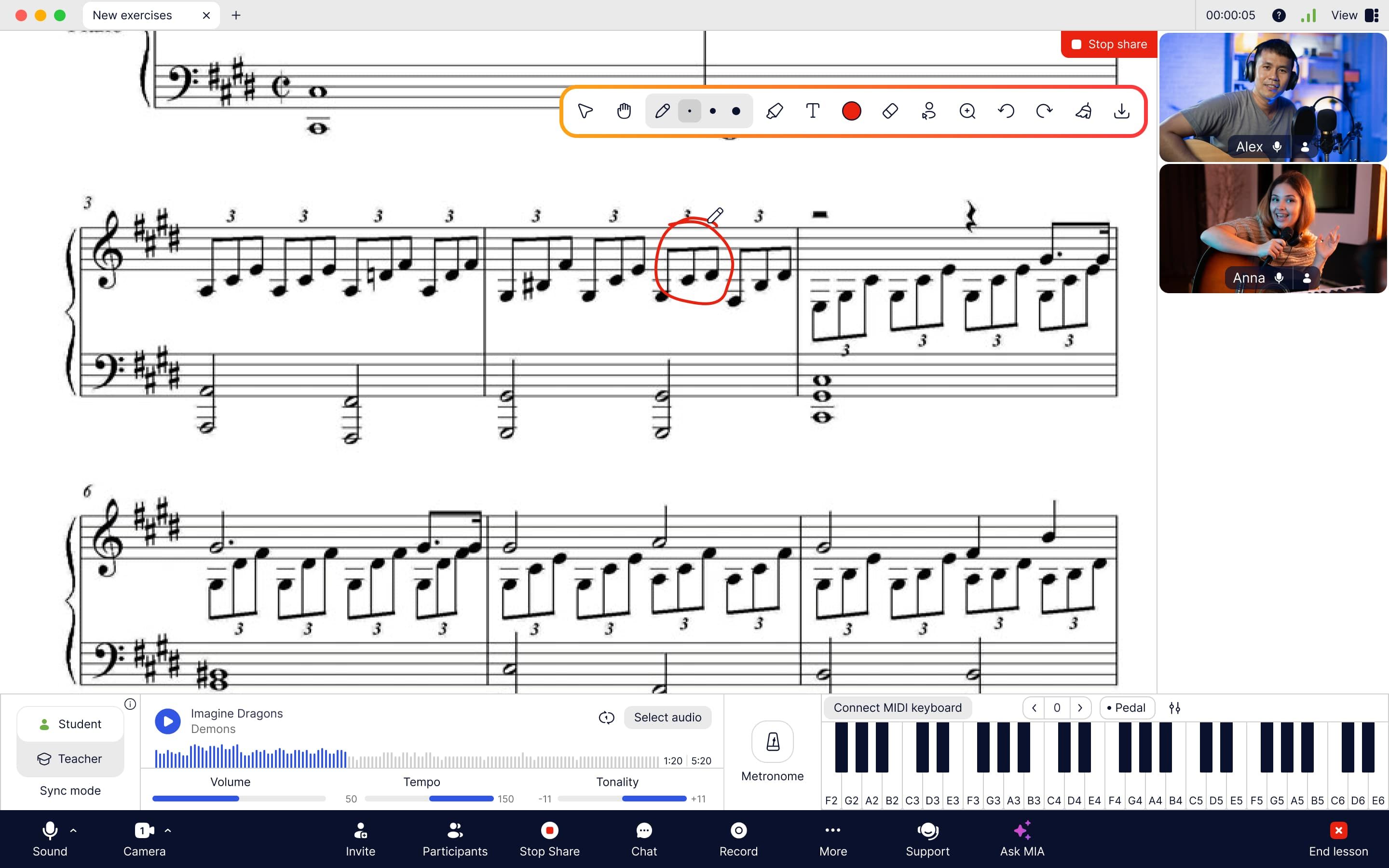
Circle the bar that went wrong while both of you look at the same page, then save the marked-up copy for the student
A recording to practise from
On a computer you can record the whole lesson in HD or Full HD and save it as an MP4. Send it to the student the same evening. A student can also record from their own computer, once you allow it. A video of the lesson does more for the week's practice than the student's memory of what you said.
Group lessons, and nothing for the student to pay
Group lessons come with every plan. Students never pay: the student account is free, and they join by installing the app and opening the link you send. There's no browser version, so send the link the day before the first lesson rather than at minute zero. How to start your first lesson in MOOZ walks through it step by step.
Price and devices
Check the current price on the pricing page. All plans have the same features, there's a 14-day money-back guarantee, and there's no free teacher plan. MOOZ runs on Windows, Mac, Linux, iPhone, iPad and Android. Teach from a computer: multiple cameras, the MIDI keyboard and recording are desktop features. Students can join from a phone, though a tablet or computer shows them the piano too.
Students can find you here, too
A profile in the MOOZ teacher directory comes with the subscription. Students filter by instrument and country and contact you directly, and the lessons run in MOOZ with no commission.
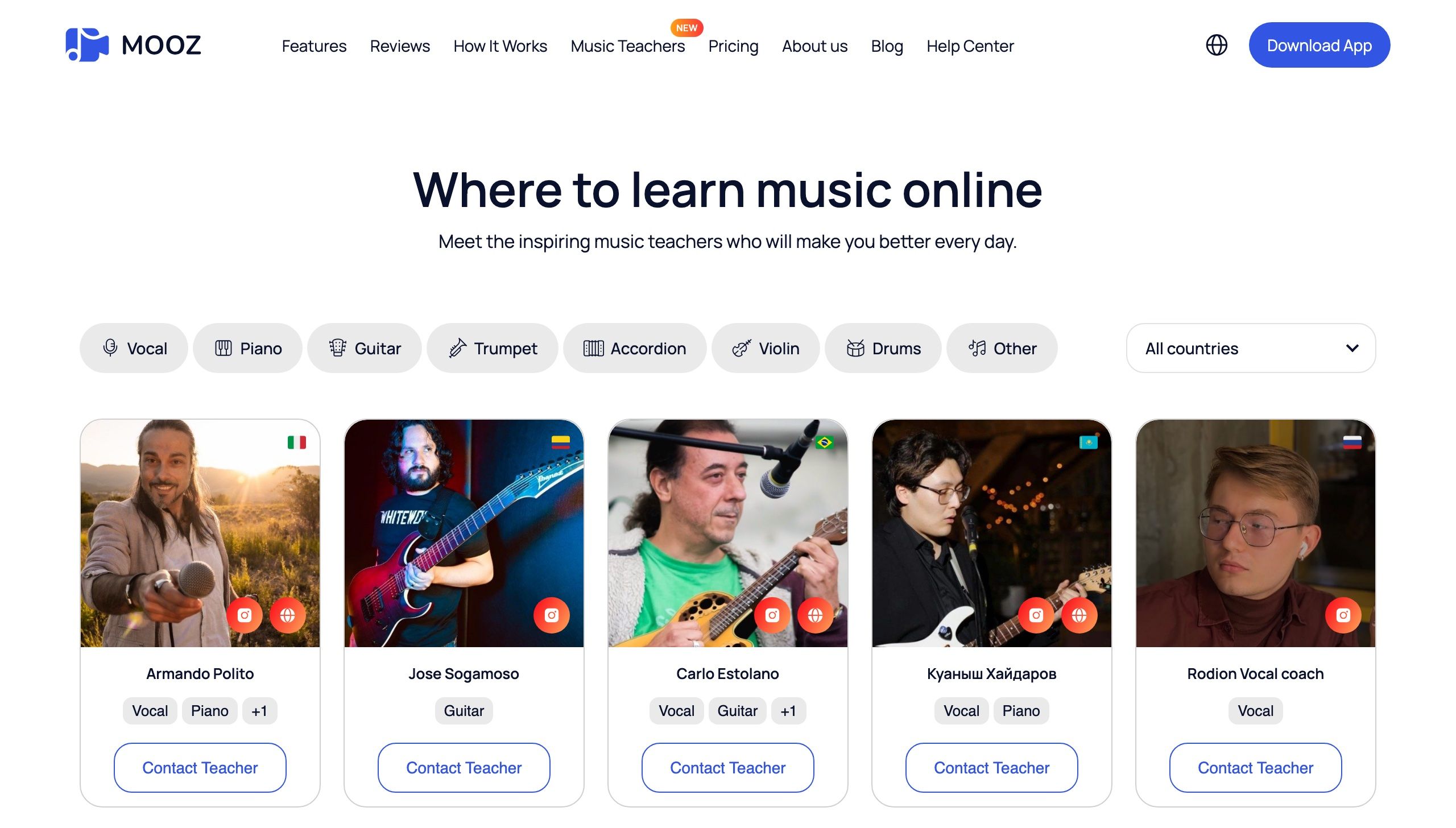
Students pick an instrument and a country, then contact the teacher directly
What to look for in a music lesson app
| What to check | Why it matters | In MOOZ |
|---|---|---|
| A held note that survives the call | Speech apps treat a sustained note as noise and cut its tail | Full-range audio for instruments and voice |
| One click for both of you | Over an internet delay you can't keep time with each other live | Sync Mode with the metronome, a backing track or the piano |
| Hands in frame | A laptop camera shows a face, not the fretboard or the bow | Up to five cameras, a phone can be one of them |
| Tempo and key on the backing track | A student who can't play it at full speed yet needs it slower, today | Change both while the track plays |
| Notes on the score | "Bar 12, second beat" takes a minute to find. A circle takes a second | Shared PDFs and images with pencil and text, saved after the lesson |
| A recording to send home | The student forgets half the lesson by Thursday | HD or Full HD MP4 from the desktop app |
| Nothing for the student to buy | Parents compare your fee with a local studio, extras included | Free student account, group lessons in every plan |
No lesson app suits every teacher, and that includes this one. Choose for your instrument and your students. If you're weighing MOOZ against Zoom, Google Meet or a marketplace's built-in classroom, we compared them in Best Platforms for Teaching Music Online. Staying on Zoom for now? Set it up properly first: Zoom for Music Lessons: Best Audio Settings.
Lessons: sheet music and notation
In the lesson, the score already lives in MOOZ. Upload PDFs and photos of the music to your MOOZ files, open the page on both screens, mark it up together and save the marked-up copy for the student. You don't need a separate PDF app in the call.
Outside the lesson two jobs are left: a library you can play from on the stand, at home, in the studio or at a recital, and a program for writing music, from exercises to simplified arrangements and transposed parts. Two tools cover most teachers there.
forScore: your music library on an iPad
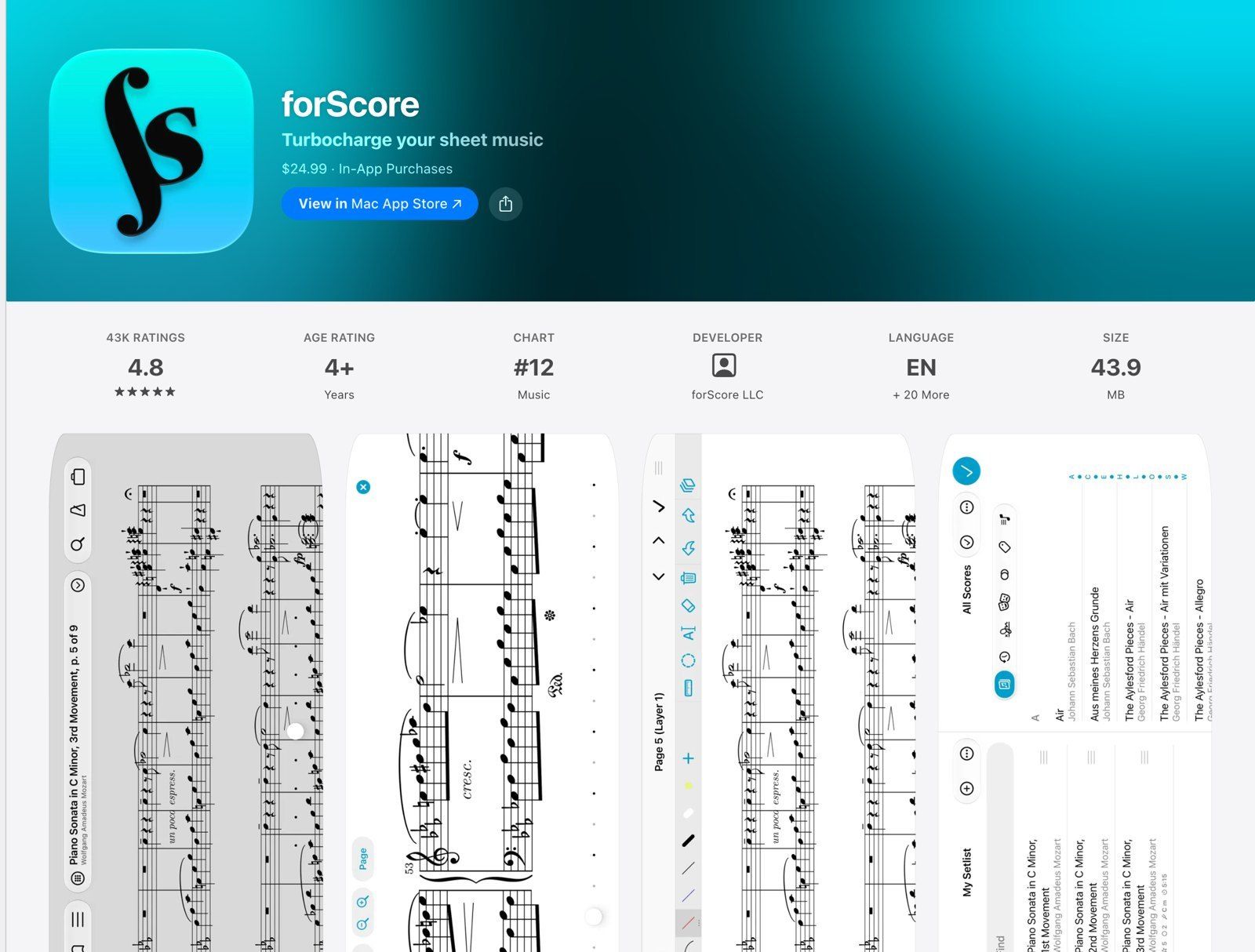
forScore: a one-time $24.99 purchase that turns an iPad into a music stand with your whole library on it
forScore turns an iPad into a music stand that holds every piece you teach. Import PDFs from Mail, Safari or cloud storage, and mark them up by drawing, typing or dropping in common symbols. Annotations sit on layers you can show or hide, so your fingerings for one student don't clutter the copy for the next. Setlists keep a recital program in order, a Bluetooth page turner frees your hands, and a metronome, tuner, pitch pipe and piano keyboard are built in. You can share scores and setlists with colleagues even if they don't use forScore.
It costs $24.99 once on the App Store and runs on iPhone, iPad, Mac and Apple Vision. An optional yearly forScore Pro subscription adds more features. It's Apple only, so teachers on Android tablets need something else.
MuseScore Studio: free notation for exercises and arrangements
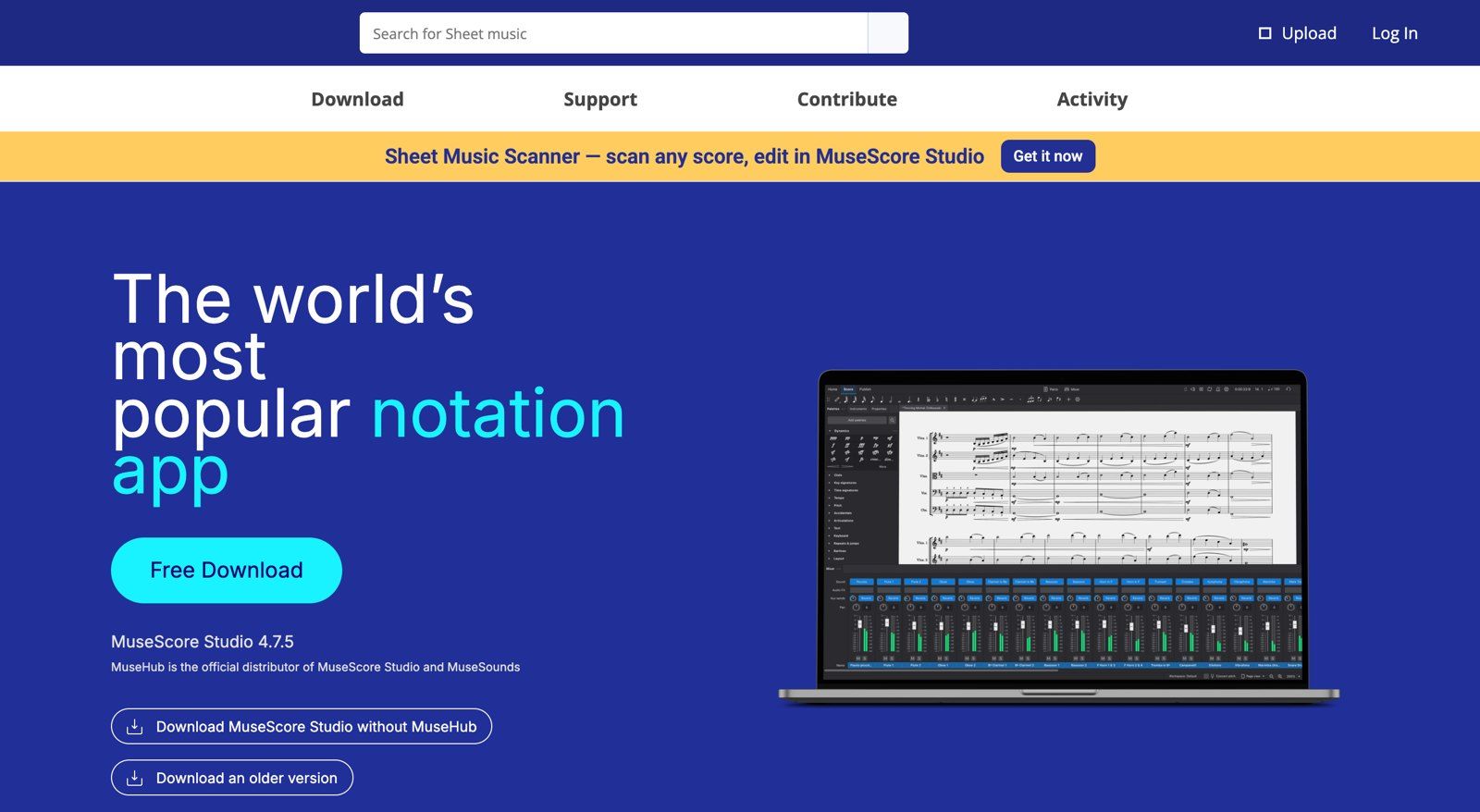
MuseScore Studio is free and open source, on Windows, Mac and Linux
MuseScore Studio is free, open-source notation software for Windows, Mac and Linux. Use it to write a scale exercise in the student's key, simplify an arrangement or transpose a part for a clarinet. You can enter notes from a MIDI keyboard and export PDF, MusicXML or MIDI. In a MOOZ lesson, share the MuseScore window with sound so the student hears the playback, or export the page as a PDF and mark it up together in MOOZ.
Don't confuse it with MuseScore.com, the score-sharing site with its own paid subscription. The notation program costs nothing.
Flat for Education: notation and assignments in a browser
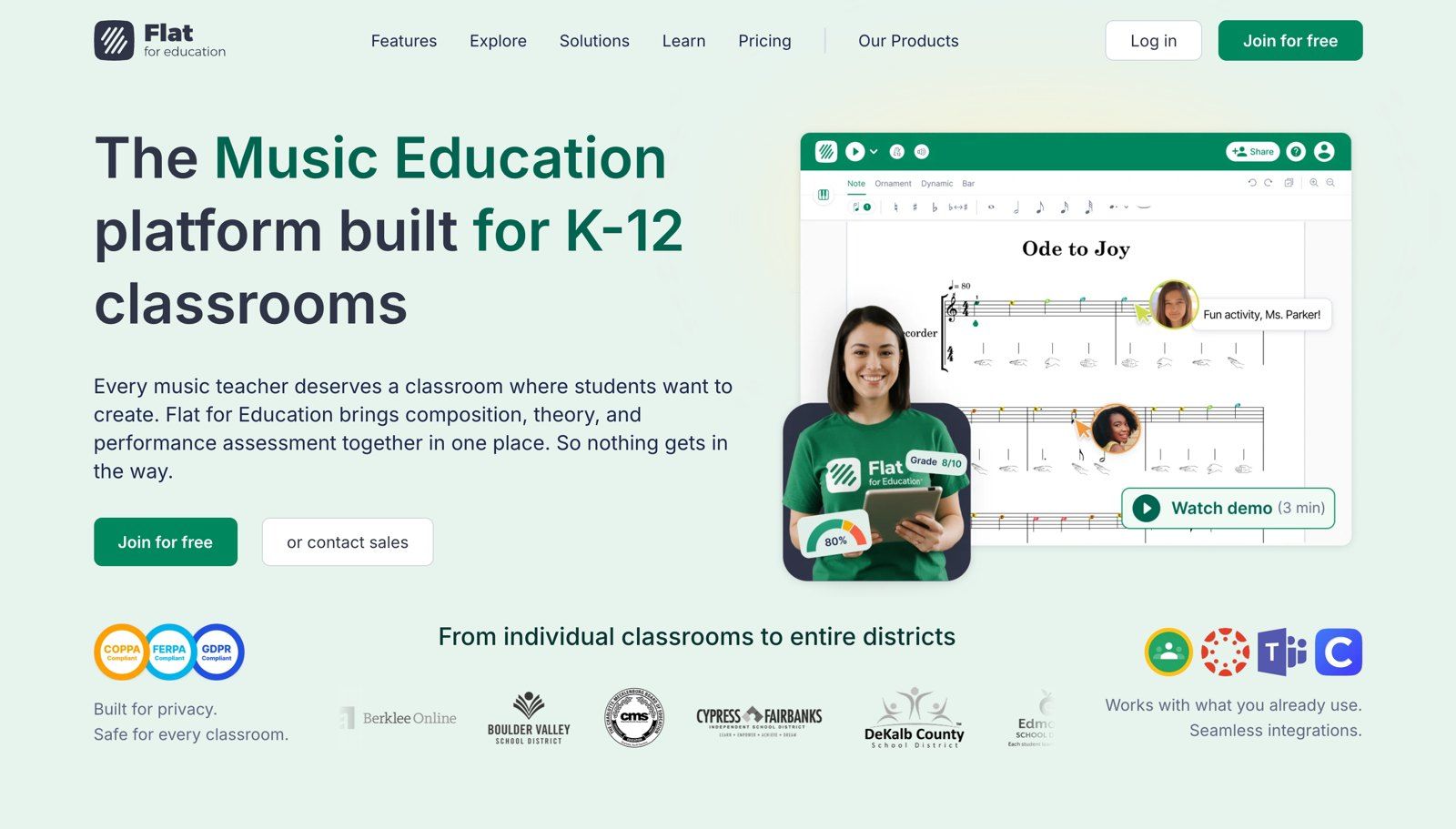
Flat for Education adds assignments, worksheets and sight-reading to browser-based notation
Flat for Education runs in a browser on a Chromebook, iPad, Android tablet, Windows or Mac, so students don't need to install anything. On top of notation it gives you assignments: compositions, recorded performances, auto-graded theory worksheets and a sight-reading generator. It works with Google Classroom, Microsoft Teams and Canvas. It's built for school classrooms, but the Teacher plan covers one teacher (up to two seats), and you add student licences only if students submit work online. There's a 30-day free trial.
| App | Best for | Devices | Price |
|---|---|---|---|
| MOOZ | The score in the lesson: both screens, marked up together, saved for the student | Inside the lesson app | Included |
| forScore | Carrying and marking your whole library | iPad, iPhone, Mac | $24.99 once, optional Pro subscription |
| MuseScore Studio | Writing exercises, arranging, transposing | Windows, Mac, Linux | Free |
| Flat for Education | Assignments and graded theory worksheets | Any browser | Yearly Teacher plan, 30-day trial |
Practice: apps to assign between lessons
A student spends 45 minutes a week with you and the rest of the week alone. What happens in that time decides whether next week's lesson starts where this one ended. The best practice tool is one you already have: the recording of the lesson and the page with your marks on it. Send both the same evening.
In the lesson itself you don't need a separate metronome or slow-down app. MOOZ has a metronome with beats per bar and tempo, and a player that slows a backing track to half speed or moves its key while it plays, so you set the practice tempo together before the student goes home. The apps below are for the rest of the week, when the student practises alone and MOOZ isn't open. Ask students to install only the ones you'll actually check.
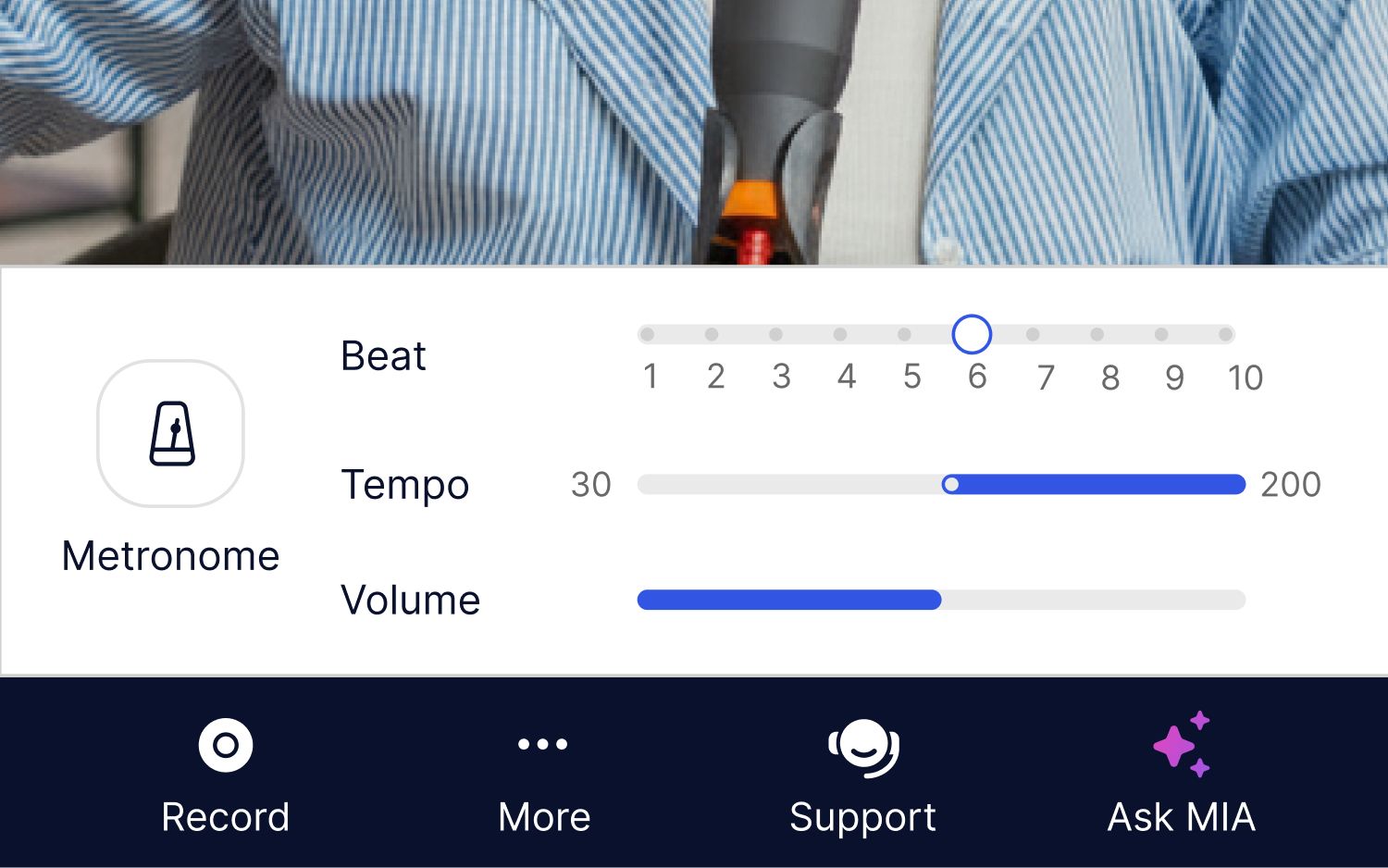
In the lesson the metronome is already there: beats per bar, tempo and volume, changed while it ticks
Tuning and timing: TonalEnergy
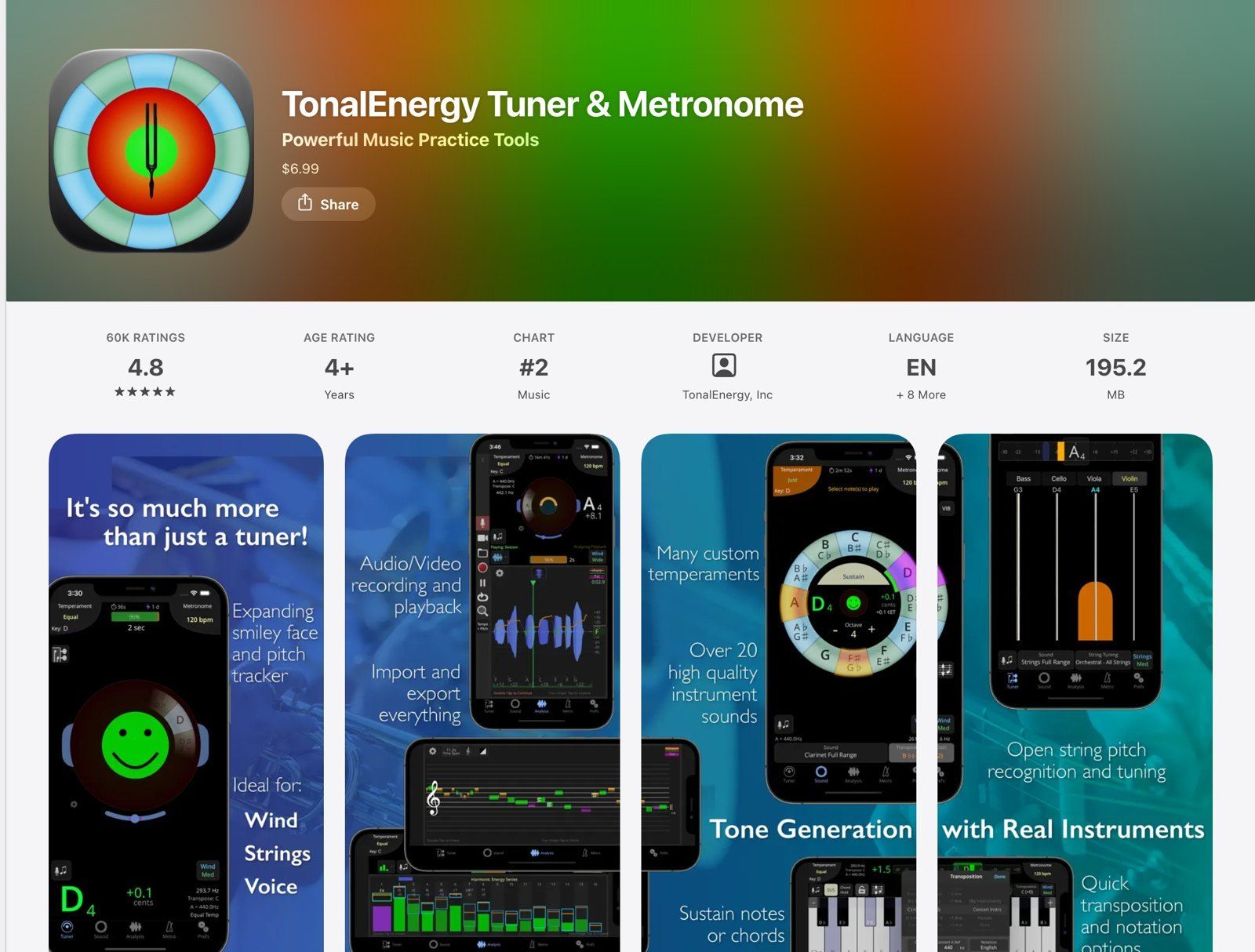
TonalEnergy: the smiley face turns green when the note is in tune, a signal a beginner reads at a glance
At home a student needs a tuner and a metronome in their pocket. TonalEnergy Tuner & Metronome is built for wind, string and voice players. The smiley face turns green when the note is in tune, which tells a student more than a needle does. It also has a metronome, a tone generator for sustained drones, recording with playback and a practice tracker. It costs $6.99 on iPhone and iPad and $5.99 on Android, and there are desktop versions for Windows and Mac. TonalEnergy for Education licences cost $6.99 per student a year, and you manage them as the administrator.
For a free metronome, The Metronome by Soundbrenner keeps setlists and a practice log, with an optional paid Plus subscription.
Slow practice and play-along: Moises
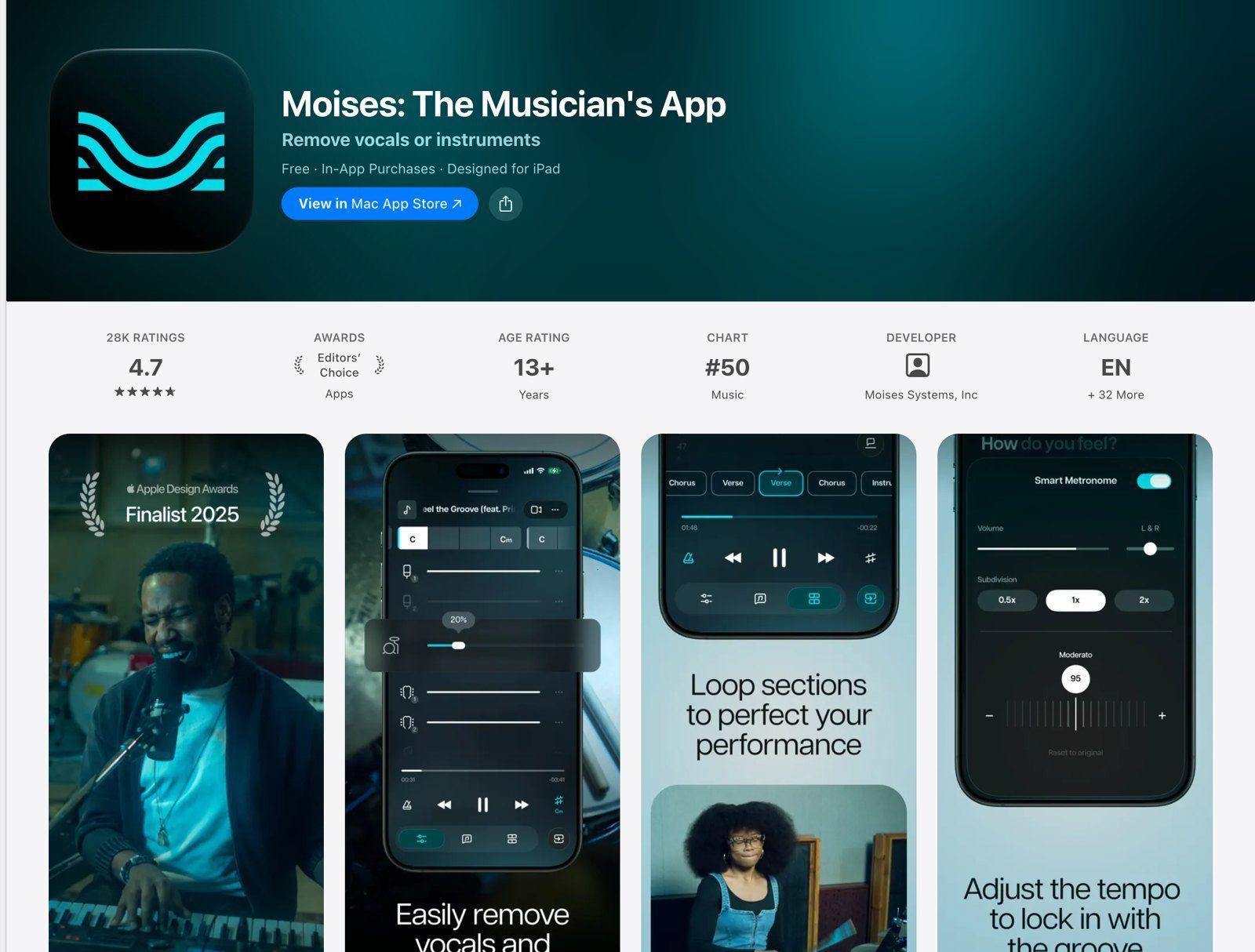
Moises splits a song into parts, so a student can mute the guitar and play it themselves
In the lesson, the MOOZ player takes care of tempo and key. At home the student needs the track on their own phone, and Moises does more than slow it down: it splits a recording into separate parts (vocals, drums, bass, guitar, keys and more), so a student can mute the part they play and play along with the rest of the band. It changes speed and pitch, loops a section and detects chords. On the free plan you can move the tempo up to 10 bpm either way. Premium and Pro remove that limit. It runs in a browser, on the desktop, iPhone, iPad and Android.
If a student only needs to slow a track down and loop the hard bar, Anytune is free on iPhone and iPad with paid add-on packs, and it changes speed without changing pitch.
Theory, ear training and sight-reading
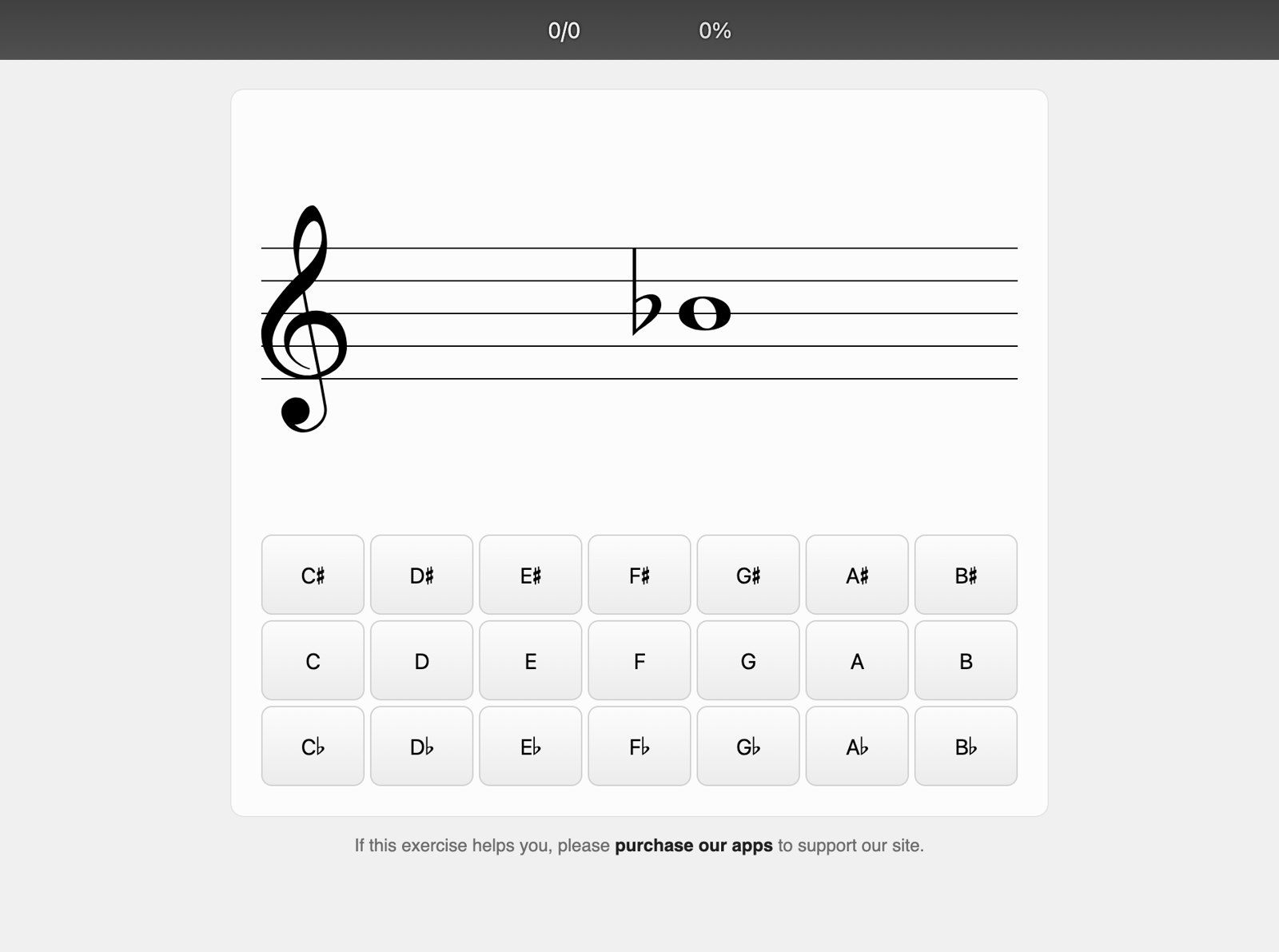
A free note-reading drill on musictheory.net. You can send a student a link to the exact settings you want them to practise
musictheory.net is free, with no ads: lessons and exercises for reading notes, key signatures, intervals, scales and chords. Its exercise customizer makes a permanent link to the settings you choose, so "bass clef only" can be this week's homework. Tenuto puts the same exercises offline on iPhone and iPad for $4.99.
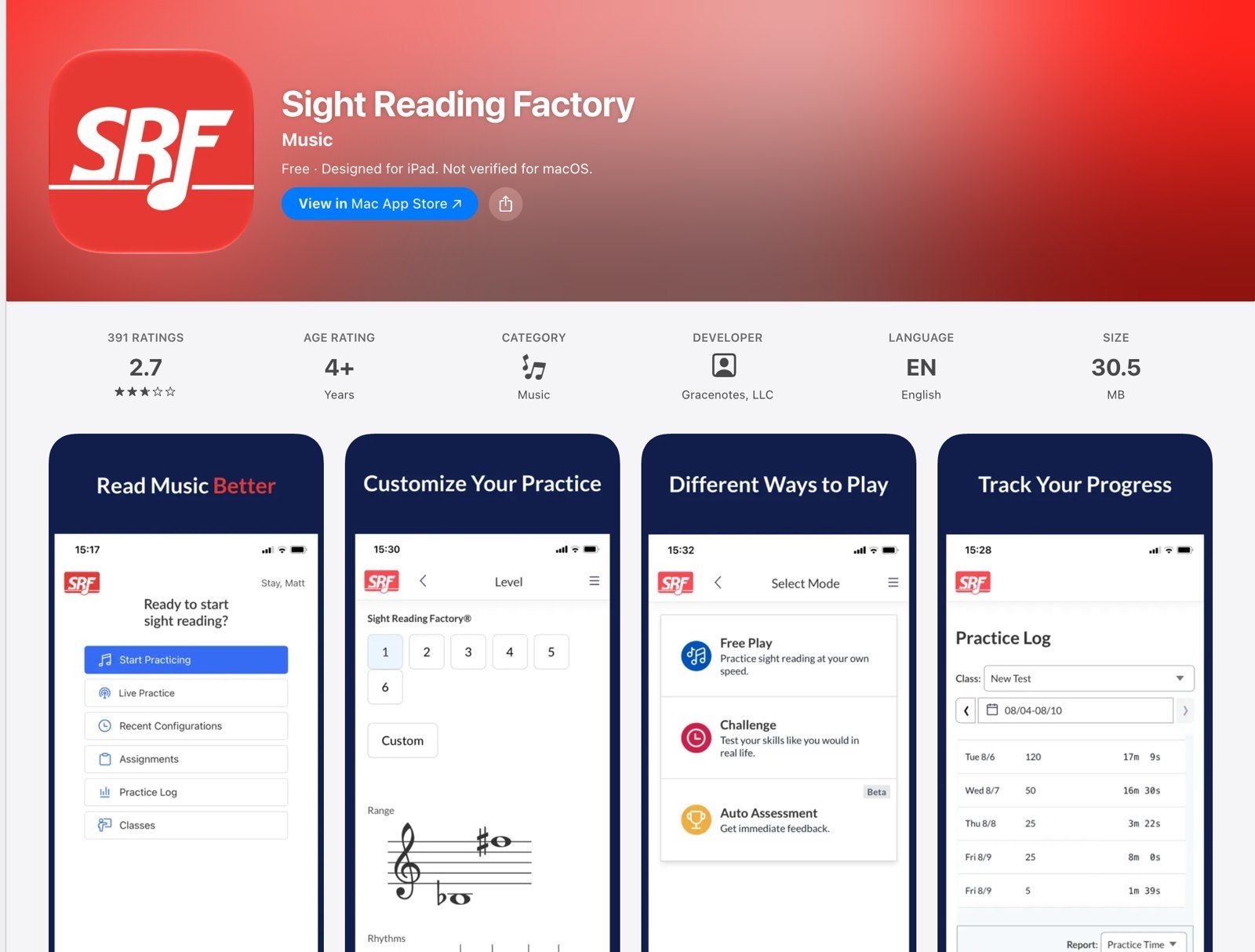
Sight Reading Factory generates new reading exercises at the student's level, so they never memorise the test
Sight Reading Factory generates fresh sight-reading and sight-singing exercises for more than 60 instruments, voices and ensembles, so a student never practises the same eight bars twice. An individual plan is $5 a month or $45 a year. The Educator plan is $45 a year plus student accounts, down to $3 a year each from 100 accounts, with classes, assignments and automatic assessment. You can try 20 exercises free without a card.
For ear training with a teacher dashboard, EarMaster sells EarMaster Cloud for schools and studios, with assignments you write and results you can export.
Homework and a practice log: Practice Space or Vivid Practice
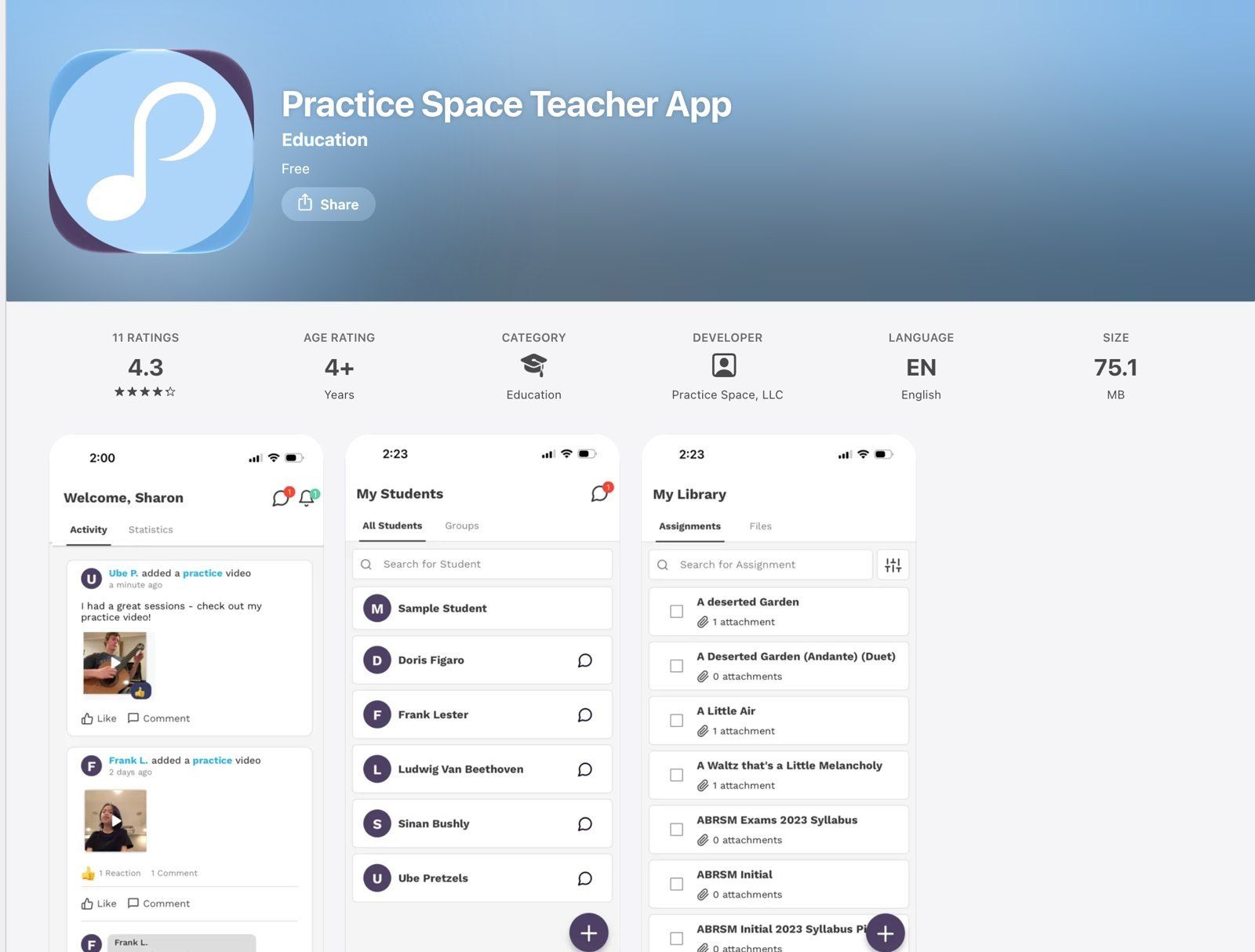
Practice Space: students post practice videos and you comment before the next lesson
Practice Space replaces the paper assignment notebook. You send assignments with video, PDFs and audio, reuse them from a library, and students post short practice videos you can comment on. Students earn gems for practising and spend them on avatars and prizes you can set yourself. The teacher account is $15.99 a month ($13.33 a month paid yearly) for unlimited students, extra teacher seats are $6.95 a month, and students never pay.
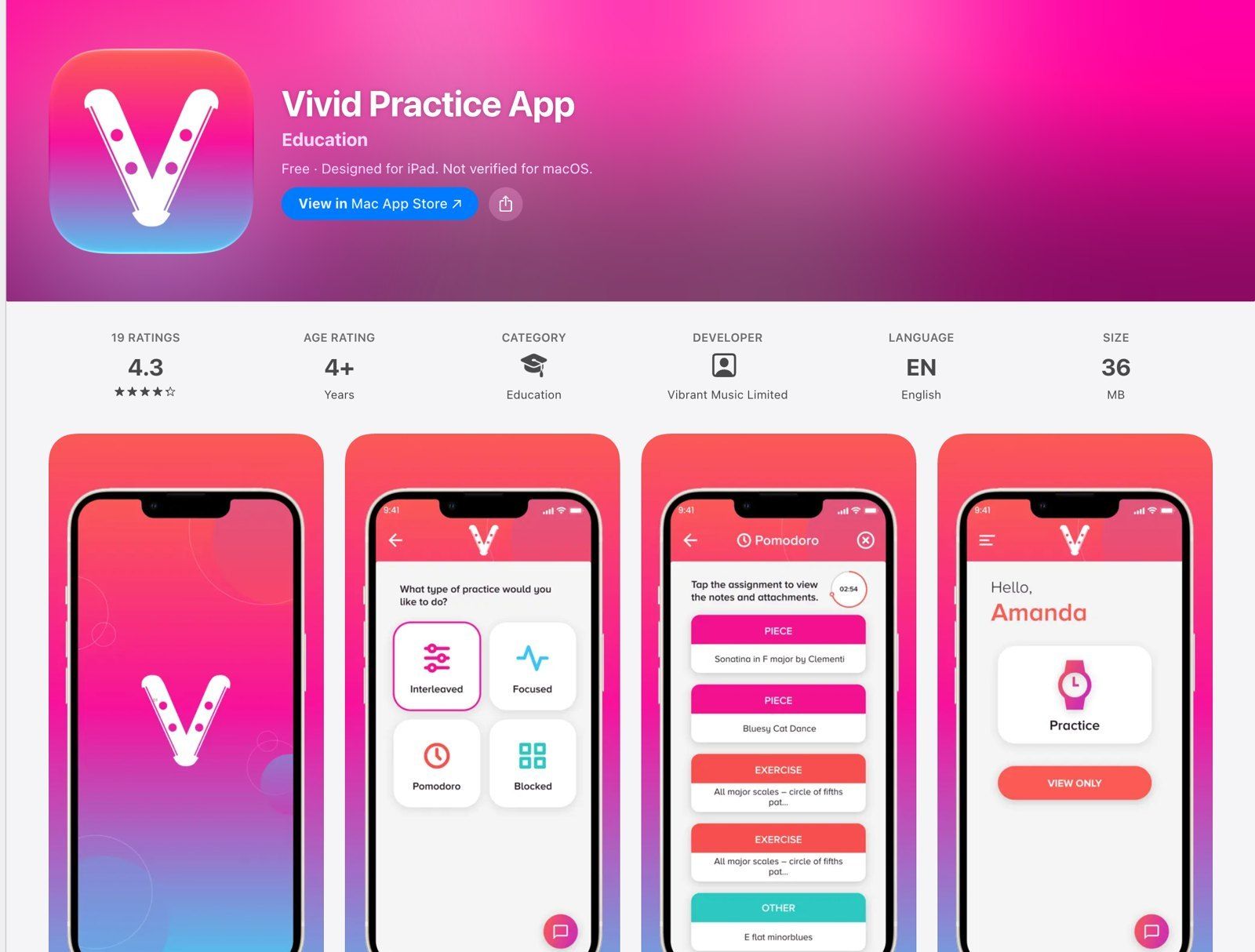
Vivid Practice is free for one student, so you can try it with your most organised one first
Vivid Practice does the same job with simpler pricing: free for one student, then $9 a month for up to 10 students, $19 for up to 25 and $29 for up to 50, or $90, $190 and $290 a year. You attach audio, video and PDFs to assignments, see what each student practised and how, and students can message you between lessons.
| What to assign | App | Devices | Price |
|---|---|---|---|
| Tuning and a metronome | TonalEnergy | iPhone, iPad, Android, Windows, Mac | $6.99 iOS, $5.99 Android |
| A free metronome | The Metronome by Soundbrenner | iPhone, iPad, Android, Mac | Free, optional Plus |
| Play-along with parts muted, slower | Moises | Web, desktop, iPhone, iPad, Android | Free plan (±10 bpm), paid Premium |
| Slow down and loop | Anytune | iPhone, iPad, Mac, Android | Free on iOS with paid packs |
| Theory and note reading | musictheory.net, Tenuto | Any browser; iPhone, iPad | Free; $4.99 |
| Sight-reading | Sight Reading Factory | Any browser, iPhone, iPad | $5 a month or $45 a year; educator $45 a year + students from $3 |
| Homework and practice videos | Practice Space | iPhone, iPad, Android | $15.99 a month, students free |
| Homework and practice log | Vivid Practice | iPhone, iPad, Android, web | Free for 1 student, from $9 a month |
📼🎹 The best practice app is the recording of the lesson. Record in MOOZ, mark up the score together and send both home the same evening. Your student joins free from the link you send. Get your personal MOOZ setup →
Admin: scheduling, invoices and payments
Admin is where a studio quietly loses money: a lesson nobody invoiced, a makeup lesson nobody tracked, a parent who paid "last week, I think". With a handful of students, a calendar and a payment link are enough. Past ten or so, studio software pays for itself the first month you stop chasing invoices. None of these apps runs the lesson itself, so put your MOOZ link in the lesson confirmation or the calendar entry.
My Music Staff: the all-rounder for a private studio
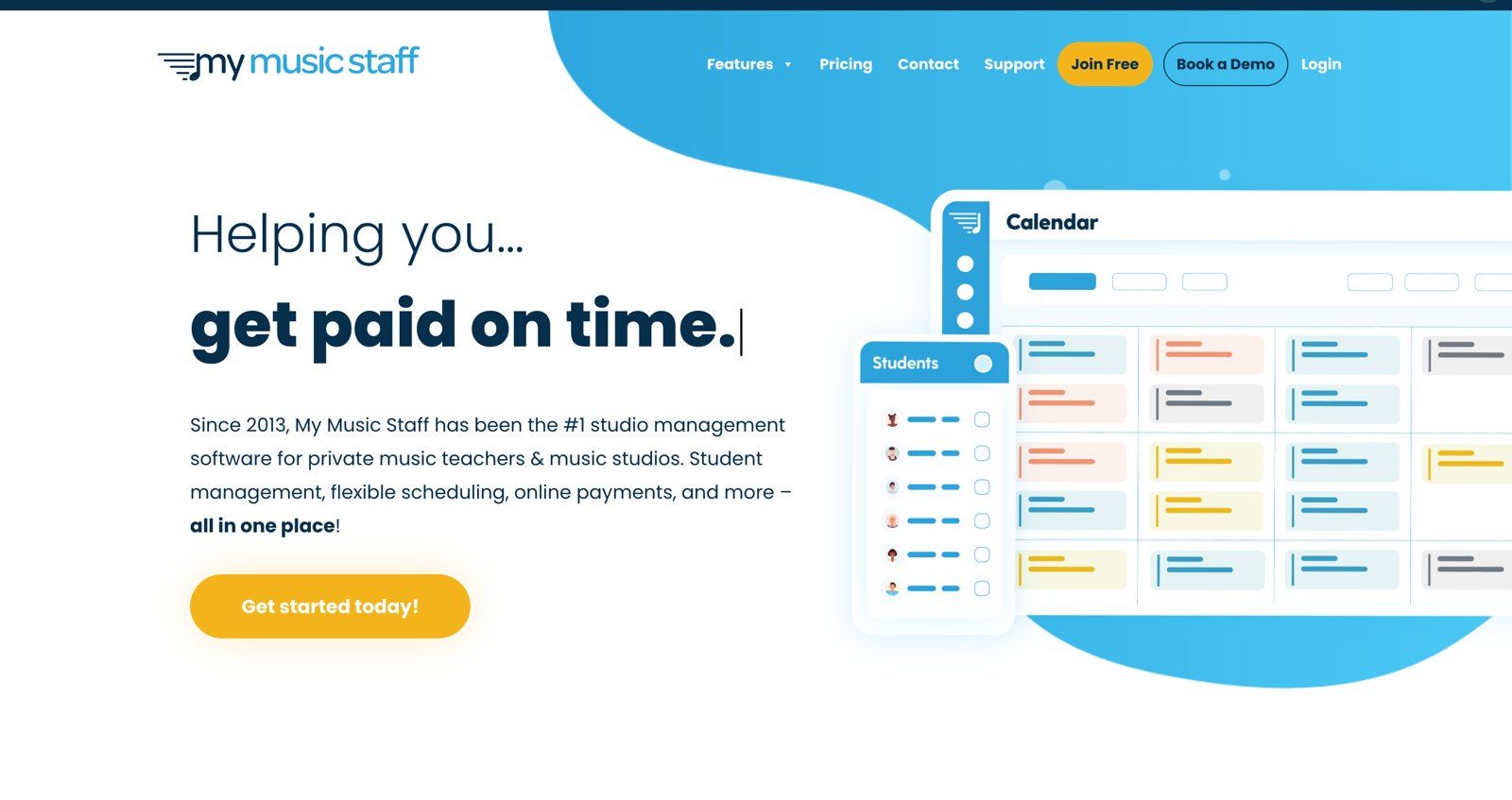
My Music Staff: calendar, students, invoices and payments for a private music studio, in a browser
My Music Staff is built for private music teachers and studios. It keeps the calendar and attendance, creates invoices automatically and takes payment through your own Stripe or PayPal account, with Auto Pay for families who want it. Cancellations can become makeup lessons, and the student portal has a practice log. There's a lending library for the books you loan out, SMS reminders at no extra cost and a website builder with free hosting.
It costs $16.95 a month in the US for unlimited students, plus $4.95 a month for each extra teacher or staff member. There's a 30-day free trial with no card and a 90-day money-back guarantee. It runs in a browser, with no separate phone app.
MakeMusic Studio (formerly Fons): billing that runs itself
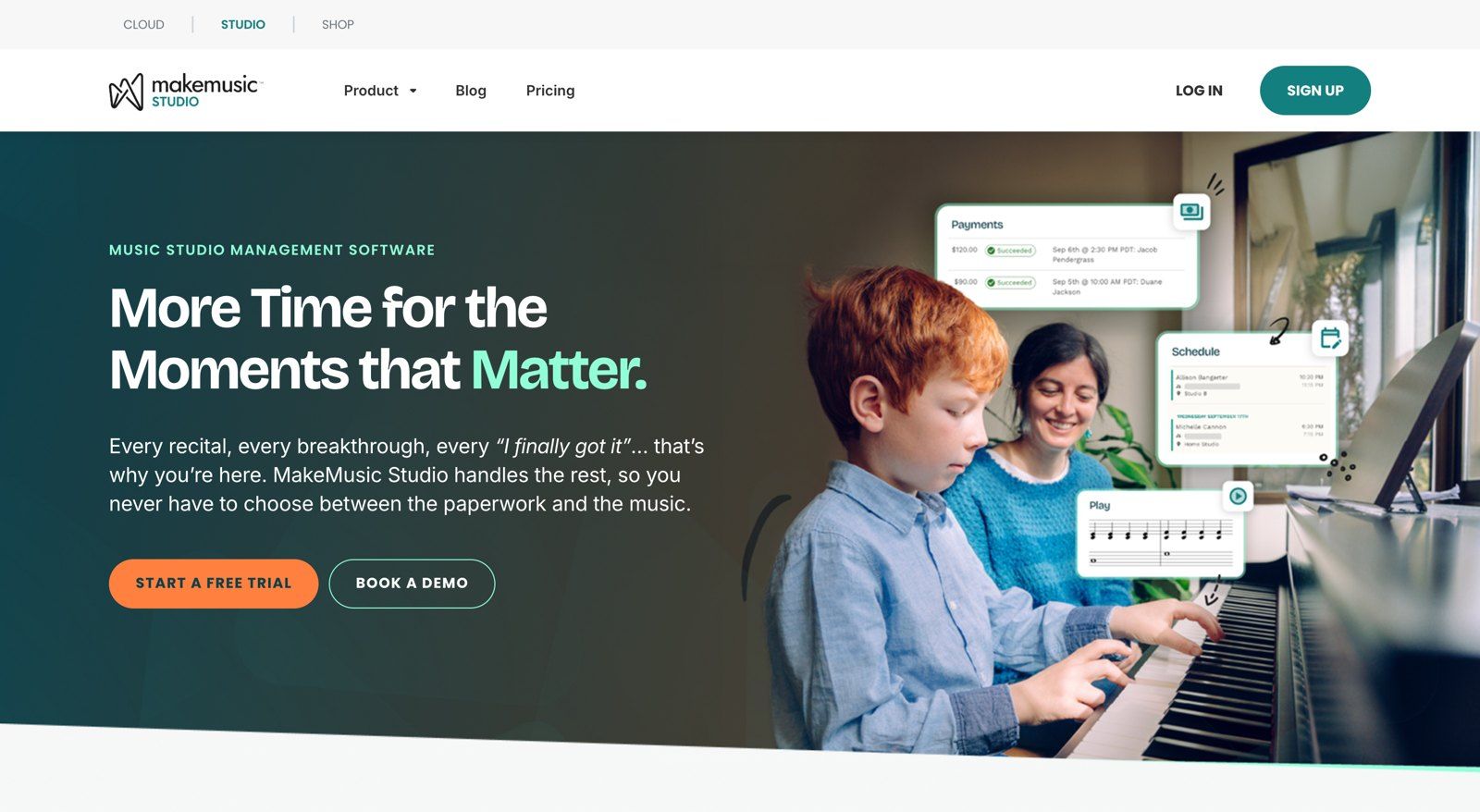
MakeMusic Studio is the new name for Fons: scheduling, payments and reminders for music studios
Fons became MakeMusic Studio in 2026. It's strongest on billing: monthly subscriptions, lesson packages, per-lesson charges or one-off invoices, collected automatically, with your cancellation policy enforced so you don't have to argue about it. Students book themselves through your booking link, and a parent can hold several children under one account and card. Text and email reminders cut no-shows.
It costs $19.95 a month for unlimited students, plus $4.95 a month per extra teacher or admin, with a 14-day free trial and no contract. Payments run through the built-in processor at 2.9% + $0.30 per card charge, and students pay nothing to use it.
Duet (formerly Music Teacher's Helper): text-first and inexpensive
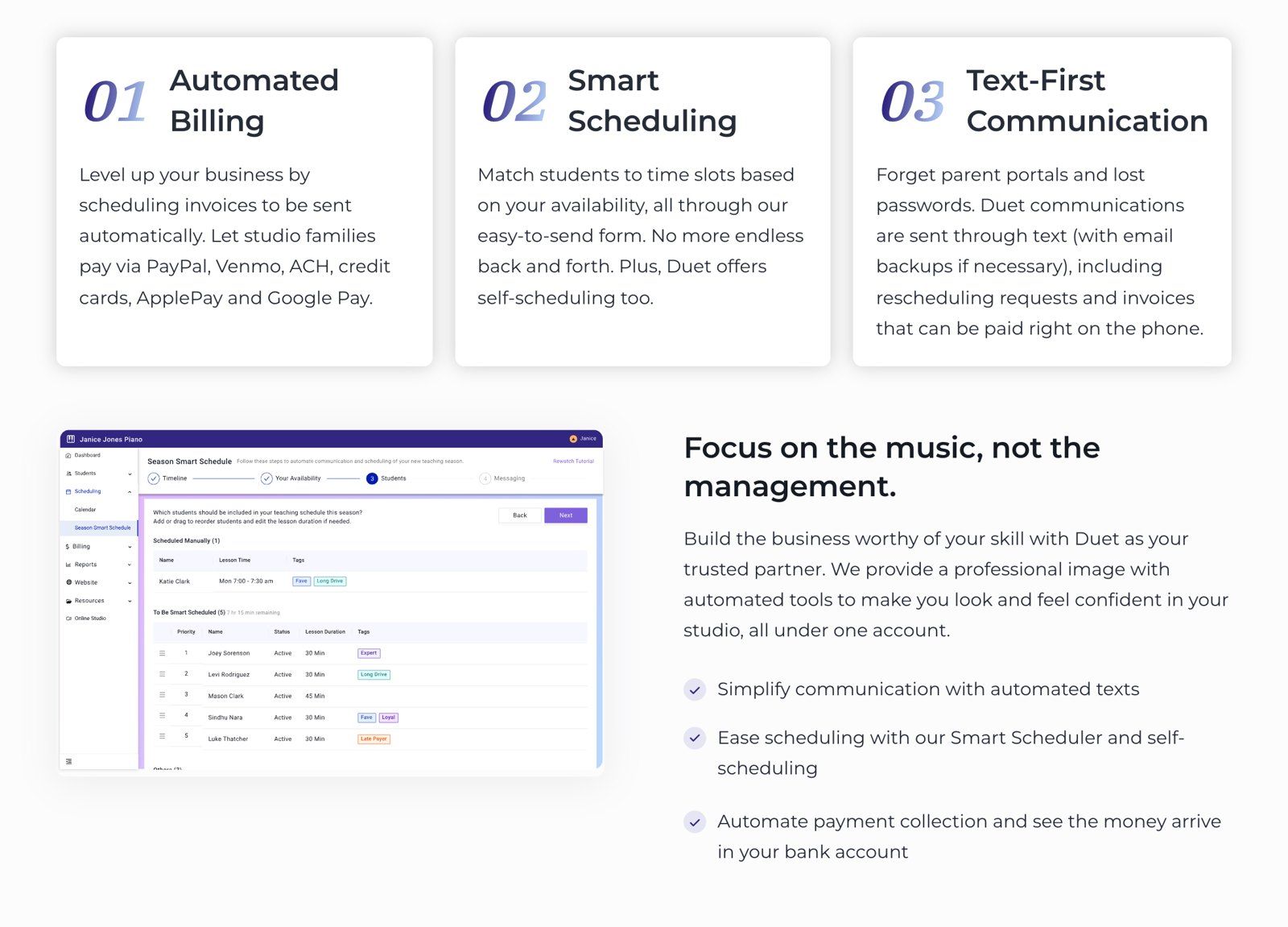
Duet's Smart Scheduler fits students into your free slots, and invoices go out by text
Duet is the new name of Music Teacher's Helper, and the old address now redirects to it. It skips parent portals and passwords: schedules, rescheduling requests and invoices go to families by text, with email as a backup, and they pay from their phone by card, ACH, PayPal, Venmo, Apple Pay or Google Pay. The Smart Scheduler matches students to your available slots, and families can book themselves.
It's $9 a month or $99 a year at a flat rate, whatever the size of your studio, with a 30-day free trial. Families pay a 1% transaction fee on top of the invoice, so the teacher receives the full amount.
Opus1: for music schools
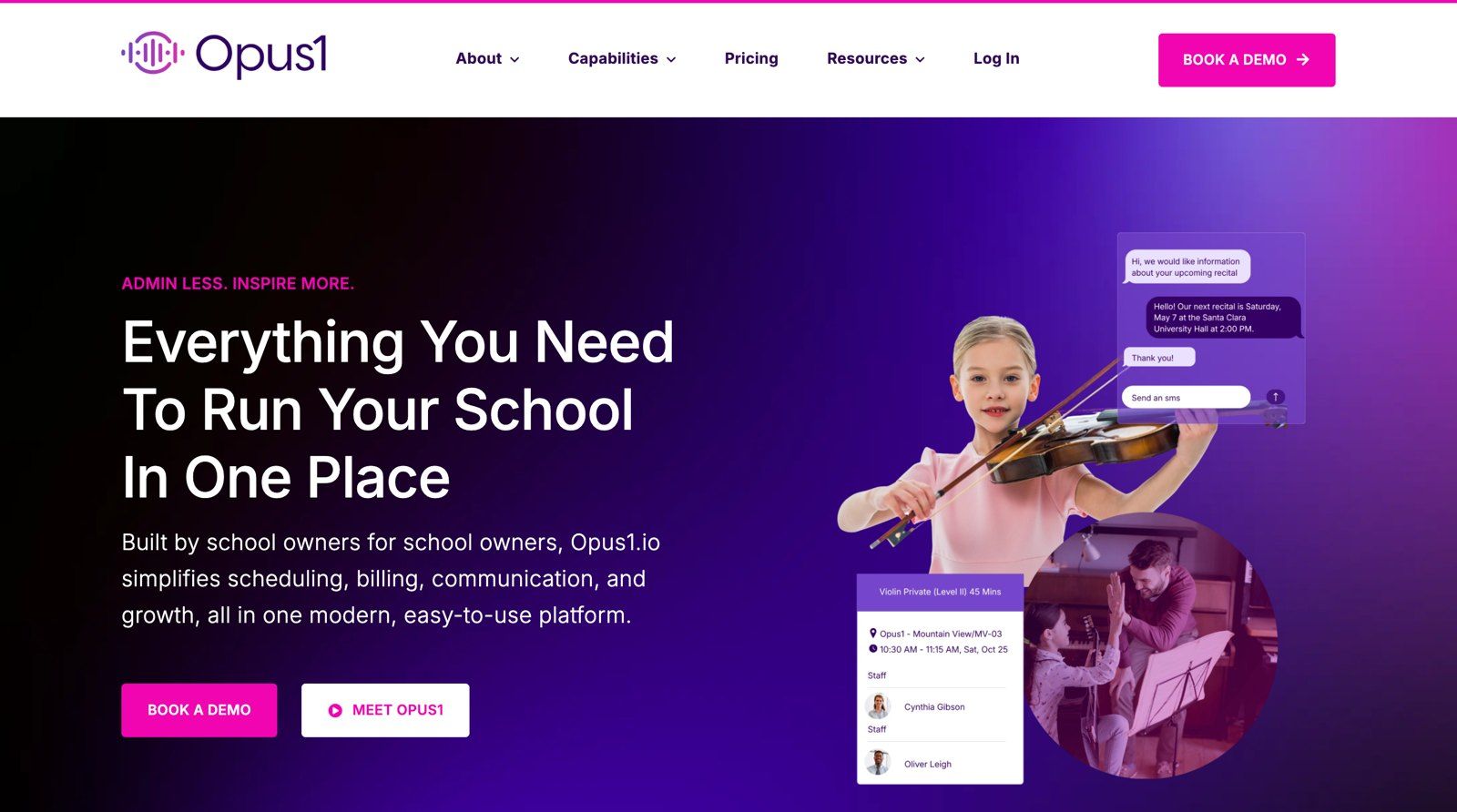
Opus1 is built for music schools with a front desk, several teachers and hundreds of families
Once you have staff, rooms and hundreds of families, a solo-teacher tool runs out of room. Opus1 is built by and for music school owners: scheduling, billing, family communication and enrollment in one system, with its own payments. Plans cover up to 200, 500 or 1,000 active students, with packages from $98 a month, month to month, with a free trial and free migration from your old system.
The light setup: a booking link and a payment link
With a few students you may not need studio software at all. Calendly's free plan gives you one booking page with one lesson type. Reminders and taking payment at booking start on the Standard plan, at $10 a month billed yearly. Send invoices from Stripe or PayPal and you pay only the processor's fee. Once you're tracking makeup lessons in a notebook, it's time to move up.
| App | Built for | Price | Payments | Trial |
|---|---|---|---|---|
| My Music Staff | Private teachers and studios | $16.95 a month, +$4.95 per extra teacher | Your own Stripe or PayPal | 30 days, no card |
| MakeMusic Studio | Teachers and studios | $19.95 a month, +$4.95 per extra teacher | Built in, 2.9% + $0.30 per card charge | 14 days |
| Duet | Solo teachers | $9 a month or $99 a year | Families pay a 1% fee | 30 days |
| Opus1 | Music schools, up to 1,000 students | From $98 a month | Opus1 Payments | Free trial |
| Calendly + Stripe or PayPal | A handful of students | Free booking page, payments from $10 a month | Processor fees only | Free plan |
Your stack, by the way you teach
You don't need all of the apps above. Most teachers end up with one per job, and the right set depends on how many students you have and where you teach them.
| You teach | Lesson | Music | Practice | Admin |
|---|---|---|---|---|
| Online, 10–20 private students | MOOZ | MOOZ in the lesson, plus forScore or MuseScore Studio | The MOOZ recording, TonalEnergy, Moises | Duet, or Calendly and a payment link |
| A home studio of 25 or more, some lessons online | MOOZ | MOOZ in the lesson, plus forScore | Practice Space or Vivid Practice | My Music Staff or MakeMusic Studio |
| A small music school | MOOZ, with group lessons included | MOOZ in the lesson, plus Flat for Education | Sight Reading Factory Educator, Vivid Practice | Opus1 |
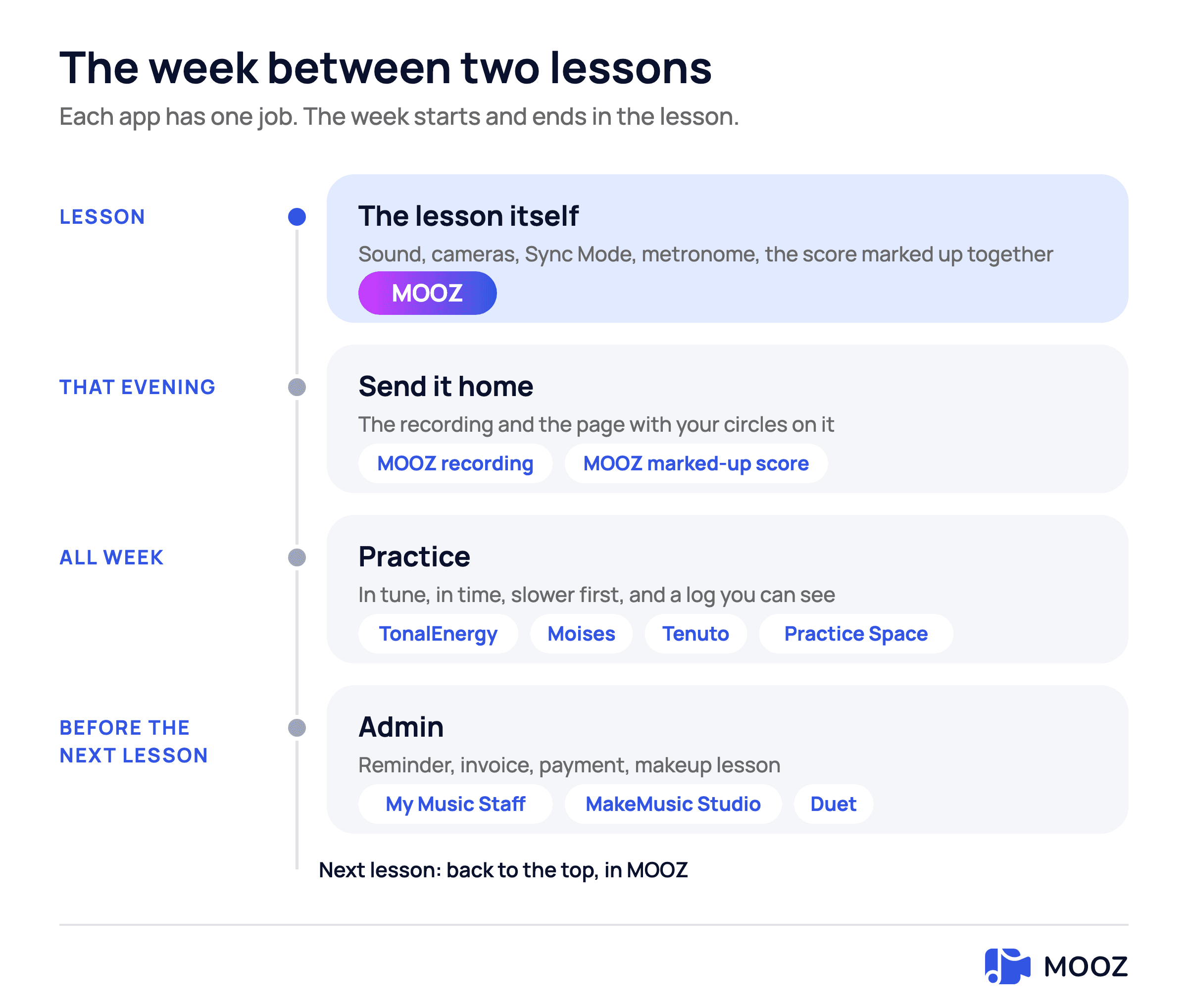
Every app has a place in the week. The one you and the student share is the lesson itself
FAQ
What is the best app for music lessons?
For the lesson itself, MOOZ: it carries the full sound of the instrument, takes up to five cameras, keeps you and the student on one click with Sync Mode, and has the metronome, piano, backing tracks, sheet music and recording inside the call. Students join free. Around it, add one app for sheet music, one or two for practice and one for admin.
What is the best video call app for music lessons?
One built for music rather than meetings. Zoom and Google Meet are fine for talking, but they process sound for speech and have no shared metronome or backing track. MOOZ was built for instrument and voice lessons. If you're comparing the two, read Zoom vs MOOZ.
Are there free apps for music teachers?
Plenty, for parts of the job. MuseScore Studio and musictheory.net are free. Moises, Anytune and The Metronome by Soundbrenner have free versions. Vivid Practice is free for one student. MOOZ is free for students, and the teacher pays a flat subscription with no commission on lessons.
Do my students have to pay for MOOZ?
No. The student account is free. Students install the app on a computer, tablet or phone and join with the link you send.
Which apps work on an iPad?
MOOZ, forScore, TonalEnergy, Moises, Anytune, Tenuto, Sight Reading Factory, Practice Space and Vivid Practice all have iPad apps, and Flat for Education runs in the iPad's browser. For teaching, a computer still does more in MOOZ: extra cameras, the MIDI keyboard and lesson recording are desktop features.
How many apps does a music teacher really need?
Four or five, and fewer than most teachers expect, because the lesson room does several jobs: MOOZ already has the metronome, backing tracks, a piano and the shared score. Around it you need a sheet music reader or notation program, a tuner and metronome for practice at home, maybe a practice log, and something that sends invoices. More than that and you're paying twice for the same job.
Bottom line
Pick one app per job and stop there. The lesson app matters most, because it's the one you and the student are in together. MOOZ gives you the sound, the cameras, a shared click and the tools you'd otherwise open in three other apps. Outside the lesson, add forScore or MuseScore Studio for your library and arrangements, TonalEnergy and Moises for practice at home, and My Music Staff or Duet for the paperwork.
Sources
Checked on 6 November 2026.
| Source | What it supports |
|---|---|
| forScore on the App Store | $24.99 once |
| TonalEnergy on the App Store | $6.99 on iPhone and iPad |
| TonalEnergy on Google Play | $5.99 on Android |
| TonalEnergy for Education | $6.99 per student a year |
| TonalEnergy desktop | Versions for Windows and Mac |
| Tenuto on the App Store | $4.99 |
| Sight Reading Factory: pricing | $5 a month or $45 a year, Educator plan at $45 a year |
| Sight Reading Factory: bulk pricing | Student accounts at $3 a year from 100 accounts |
| Practice Space: pricing | $15.99 a month, $13.33 paid yearly, extra seats at $6.95 |
| Vivid Practice | Free for one student, then $9, $19 and $29 a month |
| My Music Staff: pricing | $16.95 a month, $4.95 per extra teacher |
| MakeMusic Studio: pricing | $19.95 a month, $4.95 per extra teacher, 2.9% + $0.30 per card charge |
| Duet: pricing | $9 a month or $99 a year, 1% fee paid by families |
| Opus1: pricing | Plans up to 200, 500 or 1,000 students, from $98 a month |
| Calendly: pricing | Free plan, Standard at $10 a month billed yearly |

Related Articles
Zoom for Music Lessons: Best Audio Settings (and When to Switch)
The Zoom settings that stop it cutting off a sustained note: Original sound for musicians, high-fidelity music mode, echo cancellation, auto-gain. And the point where settings stop being enough.
10 Vocal Warm-Up Exercises Every Singer Should Know
Ten vocal warm-up exercises explained: what each one does, how to do it, and the mistake that makes it useless. Plus a five-minute routine and choir warm-ups.
Free Violin Sheet Music for Beginners (PDF Downloads)
A free 12-page PDF of beginner violin sheet music: 10 public-domain tunes in first position with finger numbers, plus how to read the page and where else to look legally.