

See What Happens After Downloading
Learn how to set up your first lesson step by step.
How to Start Your First LessonAll plans include the same features.
Save more with a longer subscription.
Download MOOZ and get ready for your first lesson in just a few minutes.

Learn how to set up your first lesson step by step.
How to Start Your First Lesson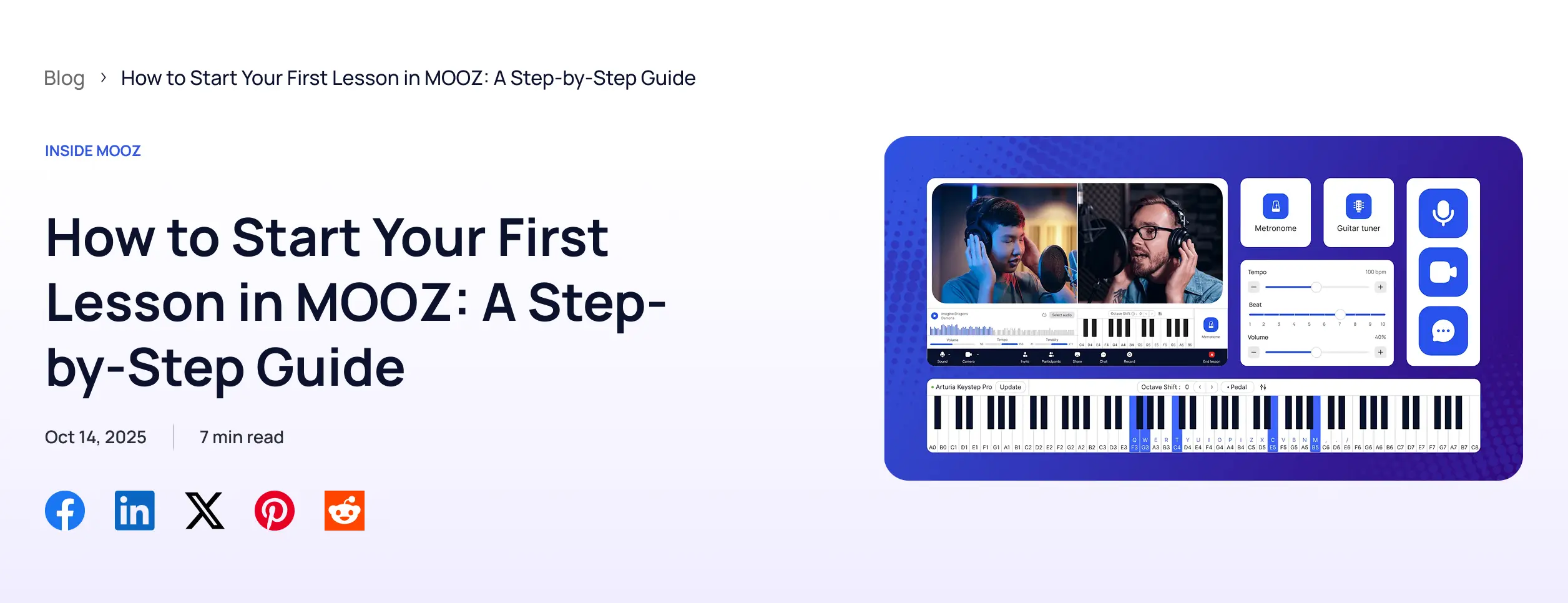
Teachers need to sign up and install the MOOZ app to start teaching. Mac and PC versions offer the full feature set. Students must also install the app to join lessons via the link shared by their teacher. Creating a free account is recommended for the best learning experience.
Absolutely. Students never pay to join a lesson on MOOZ. No hidden fees.
Yes. Group lessons are now available on all MOOZ plans.
We accept major debit/credit cards via Stripe. You can also pay using your Apple account.
Every plan includes personal support from real people, not an AI chatbot. Our team can help you set up MOOZ, understand its features, and troubleshoot technical issues.
If you subscribed via Stripe: Open the MOOZ app → go to Profile → Plans → Click the "Cancel subscription" button on your plan.
If you subscribed via Apple: Go to your Apple ID account settings → open the Subscriptions section → find MOOZ and tap Cancel Subscription.
You can cancel anytime. Your plan will remain active until the end of your current billing cycle.
We offer a 14-day money-back guarantee.
If you decide not to continue using MOOZ, simply email us at billing@mooz.pro within 14 days of your payment. We’ll process your refund quickly, no questions asked.