Lesson materials: basic storage vs music library
Both platforms let you store files and stay organized, but they do it differently.
Zoom offers basic storage with Zoom Docs. You can upload documents, images, and audio. But here’s the catch: there’s no built-in audio player. Want to play a backing track? You must download it, open another media player, and share your computer sound — a clunky, time-consuming process that kills the lesson’s momentum.
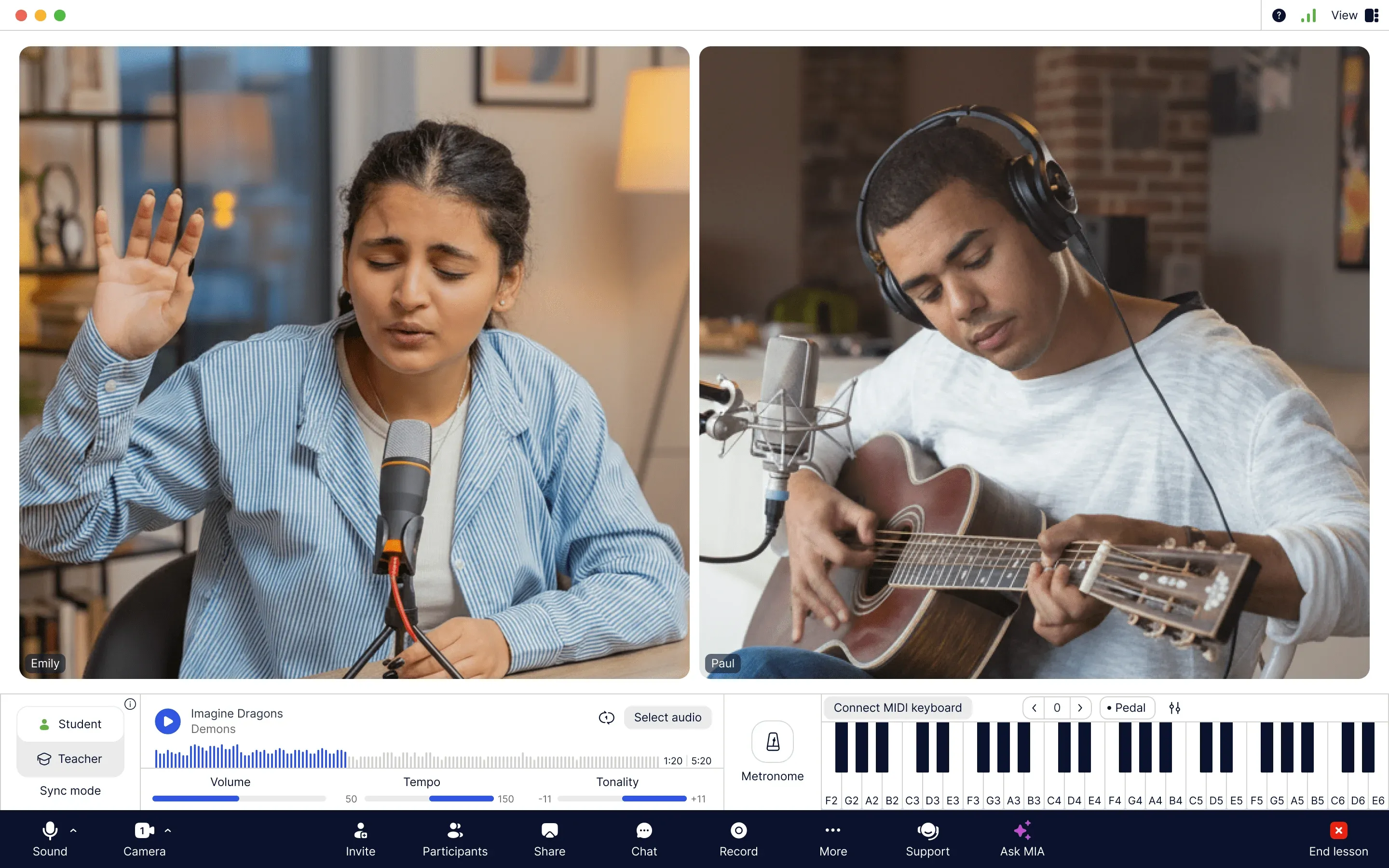
MOOZ treats your materials like the teaching tools. It supports documents (PDF), images (JPG, PNG) and audio files (MP3, WAV, AAC, M4A). With 2 GB of free storage, you can organize sheet music, audio tracks, and notes into individual student folders. Its integrated audio player is a game-changer — seamlessly play, pause, loop, or even adjust the tempo and key of any track without ever leaving the app. Annotate sheet music in real-time and share instantly. It’s not just storage; it’s your dynamic all-in-one teaching assistant.